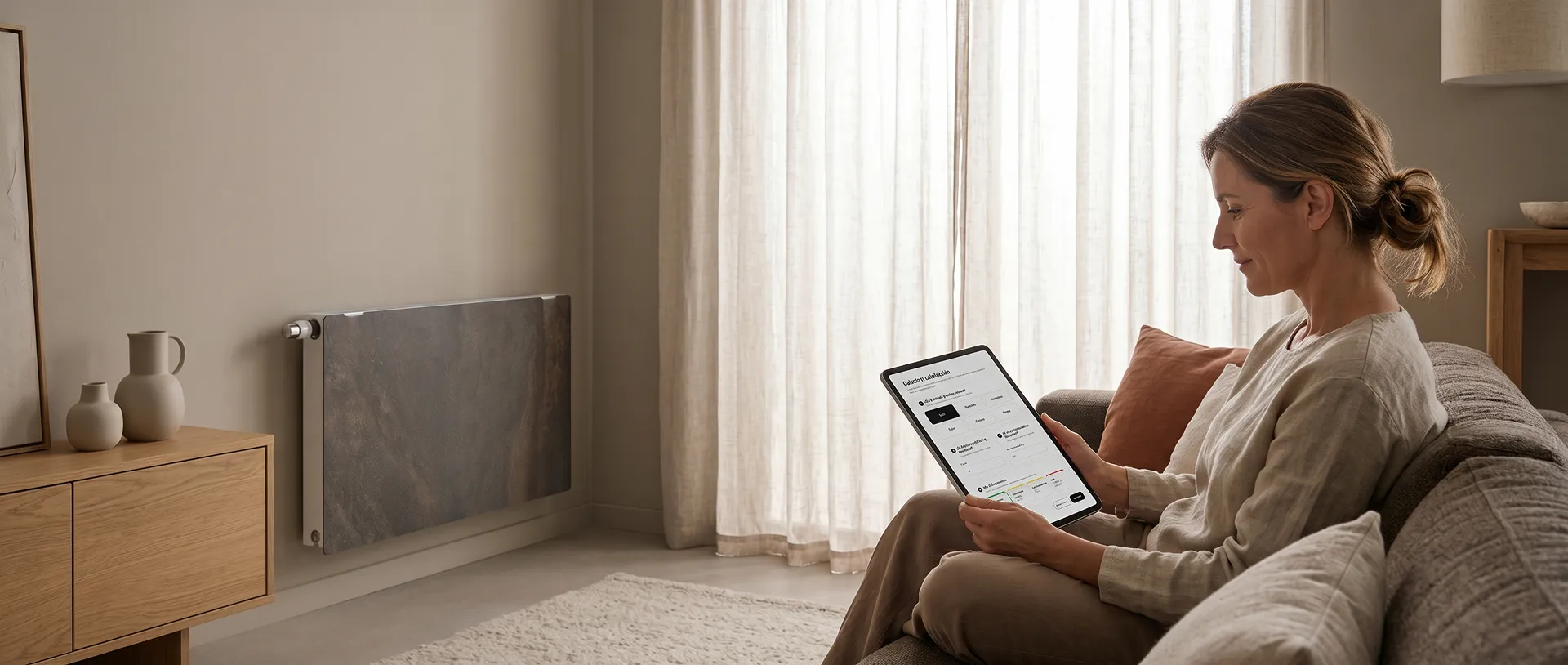
Climastar app
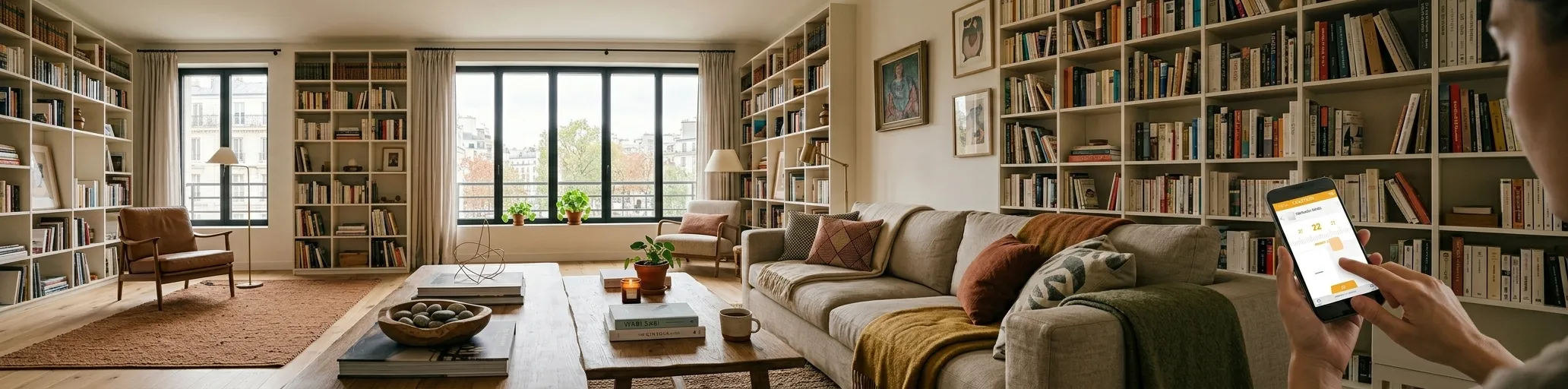
Frequently Asked Questions
How can I control my radiators from my mobile phone?
Download the CLIMASTAR app from Google Play or the App Store and connect the WiFi control unit to your home router. Then, add each radiator using the "Add" option in the app.
Do I need a WiFi hub to use the app?
Yes. The WiFi hub is necessary to connect the radiators to the internet and allow control from the app or website.
How do I know if the radiator is connected correctly?
When the radiator is properly linked, the "Link" icon appears permanently at the top of the screen.
What operating modes does the radiator have?
The radiator has three modes:
- Auto: follows a schedule.
- Manual: maintains a fixed temperature.
- OFF: The equipment remains turned off.
Can I program different temperatures throughout the day?
Yes. In automatic mode you can set different temperatures for each hour and each day of the week using the following modes:
- Comfort
- Eco/Savings
- Anti-ice
What happens if I change the temperature in automatic mode?
The manual shift will remain in place until the next automatically scheduled shift.
What do I do if I can't configure the WiFi hub?
-
Check:
- Make sure the WiFi network is active.
- Have the router assign a valid IP address.
- Ensure the central unit is properly connected to the router.
-
Does the Climastar app allow you to control the radiator remotely?
Our equipment features a front panel with different natural stone textures.
Choose the one that best matches your room.
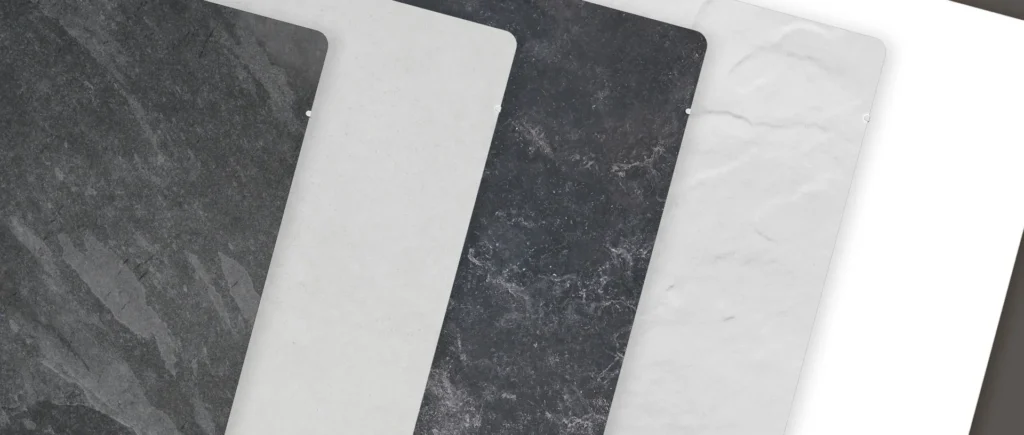
Dual-Kherr Finishes
Calculate the heating you need
With our heating calculator, discover the power you really need in every corner of your home.
We will also suggest which of our products best suits your needs.